PDFKey Pro, the Mac and Windows utility to unlock password-protected PDFs
PDFKey Pro lets you easily recover from lost copying and printing PDF passwords. PDFKey Pro makes an unlocked copy of your PDF, without requiring you to enter a copying or printing password.
Try PDFKey Pro for free. If you like it, pay only USD 24.99 for a license.
Lost passwords, not lost productivity
- Recover Documents: Unlock PDF documents protected for printing and copying when you've forgotten your password
- Unlock PDFs: Unlock PDF documents that cannot otherwise be viewed (you must provide the opening password)
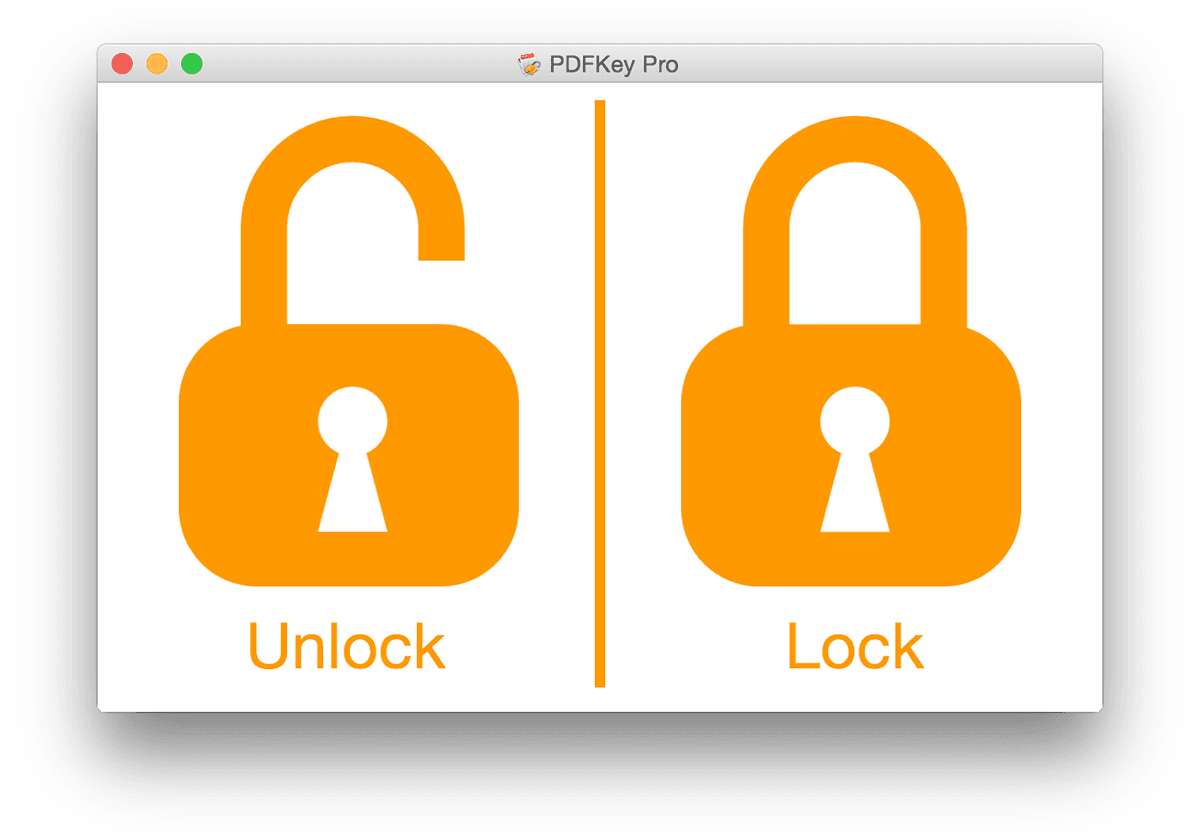
- Lock PDFs: Protect PDF document with a password, restrict usage permissions on your documents
- Automation Tools: Includes command-line tools to allow integration in complex workflows
- Update Checks: Includes an automatic update system, UpdateFX, so you can be sure to always have the newest version
- Localized in English, Italian, French, Russian, German, Polish and Dutch
Have you ever accidentally lost a password to your protected PDF documents? Did you spend the rest of your day re-creating the PDF as a result? Have you ever had to process password-protected PDFs in bulk?
PDFKey Pro is the best software that lets you easily recover from lost copying and printing PDF passwords. PDFKey Pro makes an unlocked copy of your PDF, without requiring you to enter a copying or printing password. If your files are protected for viewing, you must supply the password and PDFKey Pro will make a fully unlocked document. PDFs can be processed in bulk, without requiring your intervention.
Do you need to protect your files from unauthorized access? Do you want to restrict the usage permissions on your PDF files?
PDFKey Pro lets you block your PDFs in a blink. You can set a password to view the file and a password to restrict printing and copy&pasting of your PDFs. The files created by PDFKey Pro will be identical to the originals and you will be able to open them in any PDF viewer.



How it works
PDFKey Pro is used by simply dragging one or more files, or even an entire folder, onto the PDFKey Pro. You can even use it in shell scripts.
PDFKey Pro reads your PDF files with printing or copying passwords set and then creates exact replicas of the PDFs, but without the passwords.
For PDF files that, in addition to (or instead of) the printing/copying password, have a viewing password, PDFKey Pro will need you to enter this password to create an unlocked exact replica of the PDF without protections.
Locking is as simple as unlocking. You will be prompted with a dialog to set your passwords and an exact, but protected, copy of the PDFs will be created.
The included command line tools allow you to insert PDFKey Pro in complex workflows. PDFKey Pro can process entire folders of PDF files without requiring user intervention.
DRM & PDFKey Pro
PDFKey Pro is not compatible with DRM'ed eBooks from eStores. PDFKey Pro is designed to help you work with PDF files when you've lost your password, or when you need to process your PDFs all at once.
It is not designed to crack DRM.


We want you to be satisfied with PDFKey Pro. Processed files are 100% identical to the original. If you experience problems, however, do not hesitate to contact our support team at support@pdfkey.com.
Whether you’re an individual Mac/PC user, or a systems administrator in a busy design office, PDFKey Pro, the best PDF unlocker, can help you out.